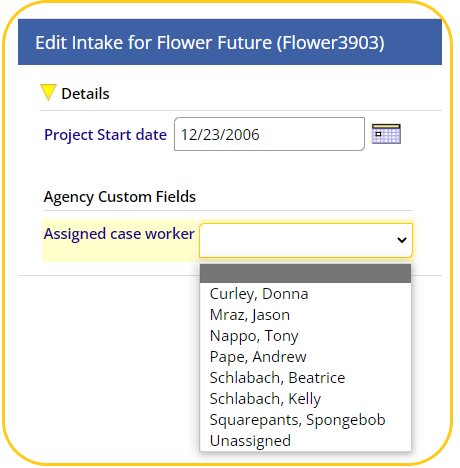
For organizations that have opted in, there is a new field available on the Intakes / Exits screen called Assigned Case Worker.
End-User Selection of Assigned Case Worker
This field allows users to indicate who a client's case manager is, regardless of who completed the project Intake.

To select an Assigned Case Worker, users will click the FILTER FIELDS link to the right, and on the next screen select the Assigned Case Worker from the drop-down.
Finding Your Clients
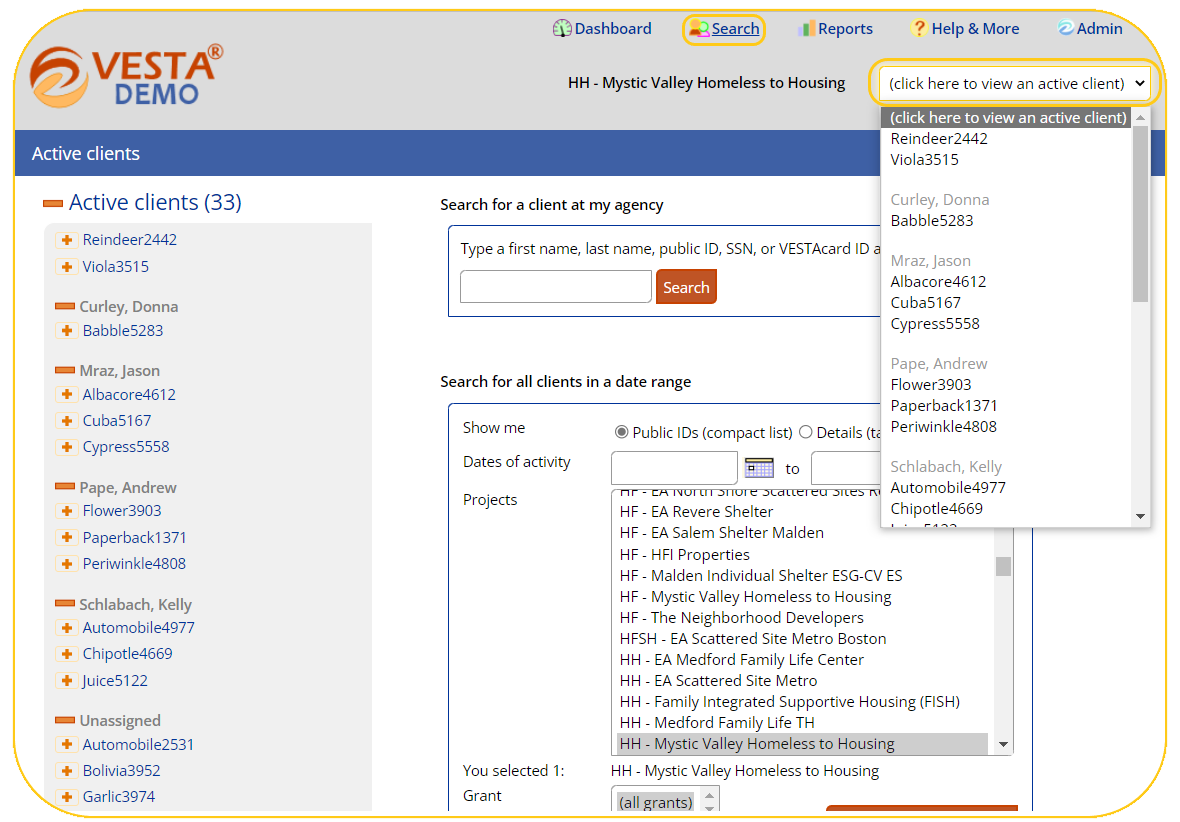
After clients have been assigned to you, you can find them organized by Case Worker in both the Active Clients drop-down in the top-center of the screen, or by navigating to the Search page.